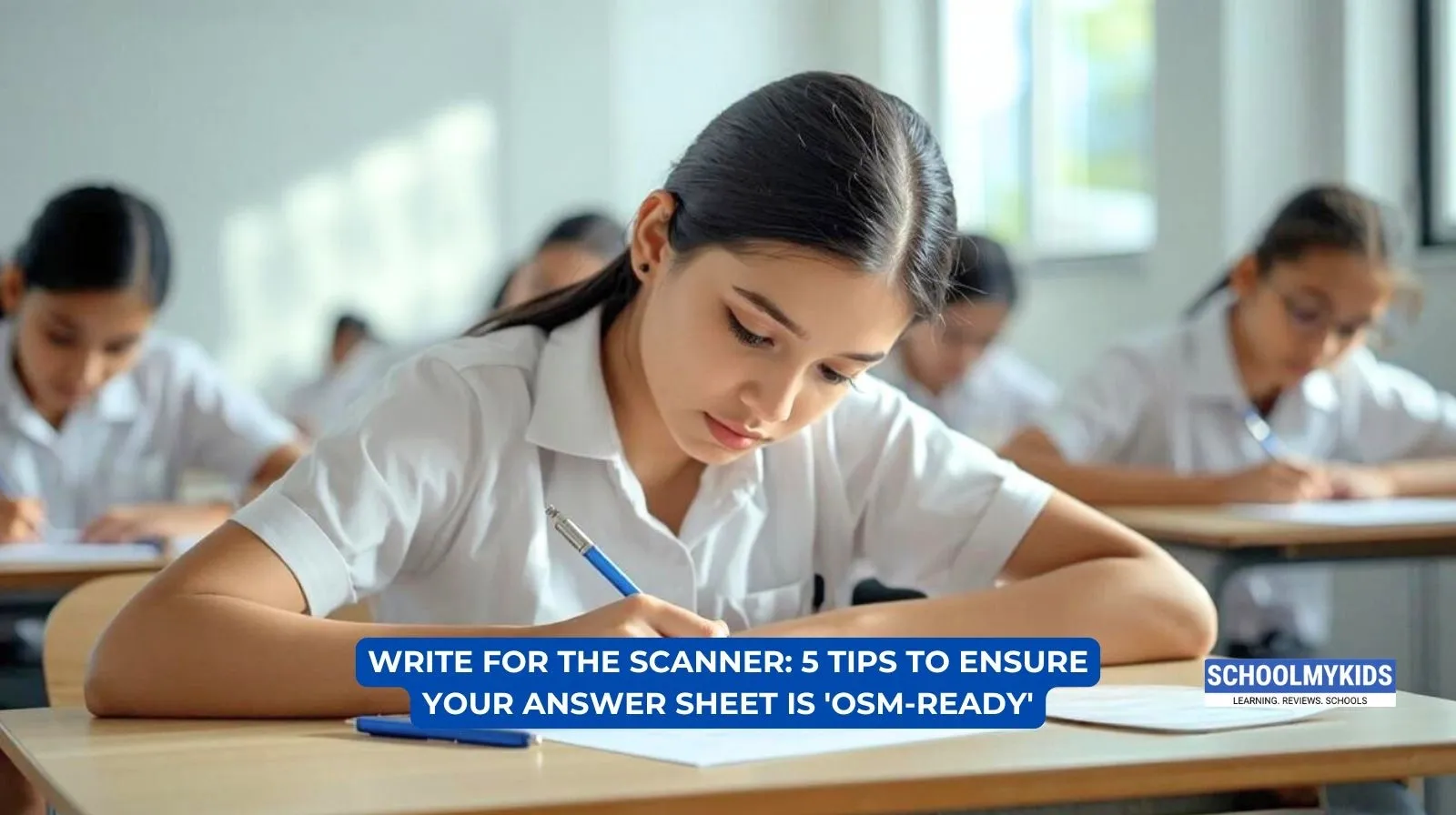
If you're a Class 12 student sitting for your CBSE Board Exams this year, there's one change you absolutely need to know about, and no, it's not about the syllabus.
CBSE has officially introduced On-Screen Marking (OSM) for Class 12 board examinations starting 2026. In simple words, your answer sheet will no longer be checked by a teacher sitting in an evaluation centre with a physical copy of your paper. Instead, your answer book will be scanned and uploaded to a secure digital platform, and your examiner will evaluate it on a computer screen.
Your paper. On a screen. Every page, every line, every diagram, all digital.
Your exam pattern hasn't changed. The syllabus is the same. You still write on paper. But the way your paper gets read has changed completely. And that means the way you write needs to adapt too.
So, in this blog, we are going to give you 5 practical tips that will help your answer sheet be truly OSM-ready.
1. Write Dark, Write Clear
When your answer sheet is scanned, the scanner picks up exactly what's on paper. Light ink, faint pencil strokes, or smudged writing can look blurry or washed out on a computer screen.
Use a dark blue or royal blue ballpoint or gel pen for writing. Avoid light blue inks or fountain pens, as they may not scan with enough contrast. When it comes to diagrams, use a sharp HB or 2B pencil with firm, visible strokes. Light pencil sketches may appear faded after scanning, and your diagram might look incomplete even when it isn't.
One more thing, if you naturally write small, push yourself to write slightly larger this year. An examiner viewing your paper on a screen can zoom in, but your content needs to be legible without that extra effort on their part.
2. Give Your Answers Room to Breathe
Imagine reading a wall of text on your phone with no spacing. It is exhausting, right? That's exactly what a crowded answer sheet looks like on a screen.
Leave a line gap between two different answers. Within a long answer, leave space between paragraphs. This "white space" makes it significantly easier for the examiner to read and follow your content on a glowing screen.
Also, make sure your question numbers are written clearly and are large enough to be visible at a glance. The examiner should be able to identify where one answer ends and another begins without having to hunt for it.
Cramped writing doesn't just look messy. In OSM, it can genuinely cost you marks if the examiner struggles to follow your response.
3. Stay Inside the Lines
This one is critical. Never write in the margins.
Scanners can sometimes crop the edges of a page. If your content bleeds into the left or right margin, there's a real risk that part of your answer gets cut off in the scanned image, and if the examiner can't see it, they can't mark it.
Keep all your writing, including question numbers, well within the designated writing area. The margins are there for a reason; leave them empty.
Also, if your answer sheet has separate sections, respect them. Write your answers only in the section they belong to. This isn't a new rule, but under OSM, it matters more than ever. Answers written in the wrong section may simply not be evaluated.
4. Make Your Corrections Neat, Not Chaotic
Mistakes happen. Everyone crosses something out during an exam and that's completely normal. But the way you do it matters.
When you need to cancel something, draw one single, neat line through it. That's it. Do not scribble over it. Do not black it out. Heavy, messy cancellations create what can look like a dark blob on a scanned image, which is distracting and unprofessional.
Similarly, avoid overwriting letters on top of each other. If you wrote the wrong word, cancel it cleanly and rewrite it. It takes two extra seconds and makes a real difference in how your paper reads on screen.
For rough work, use the last page of your answer booklet and cross it out clearly with a single diagonal line so it's obvious that it's not part of your answer.
5. Structure Your Answers So They're Easy to Scan and Score
Structured, point-wise writing makes the examiner's job easier, and that works in your favour.
For long answers, use a clear structure: start with a definition or statement, follow with an explanation broken into 2–3 clear points, include a diagram if required, and end with a conclusion or final formula with units.
For numerical problems, never skip steps. Write the formula first, then substitute values with units, show your calculation, and box your final answer. CBSE awards step marks even if your final answer is wrong, but only if those steps are clearly visible and easy to follow.
Underline key terms and headings so they stand out when the examiner is scrolling through your paper. Keep labels in diagrams horizontal. Don't make the examiner tilt their screen to read them.
Conclusion
We know this feels like a lot to take in. But nothing about how you sit for the exam has changed. You still walk in with your admit card, you still write on paper, the question paper format is the same, and the marking scheme is the same.
OSM is a change in how your paper gets evaluated, not how you write the exam. And the system is designed to be fairer. Automated totalling means no calculation errors, and digital records mean more transparency.
All you have to do is write clearly, stay organized, and keep these five tips in mind. The scanner will do the rest.
Good Luck. Write well.





Be the first one to comment on this story.